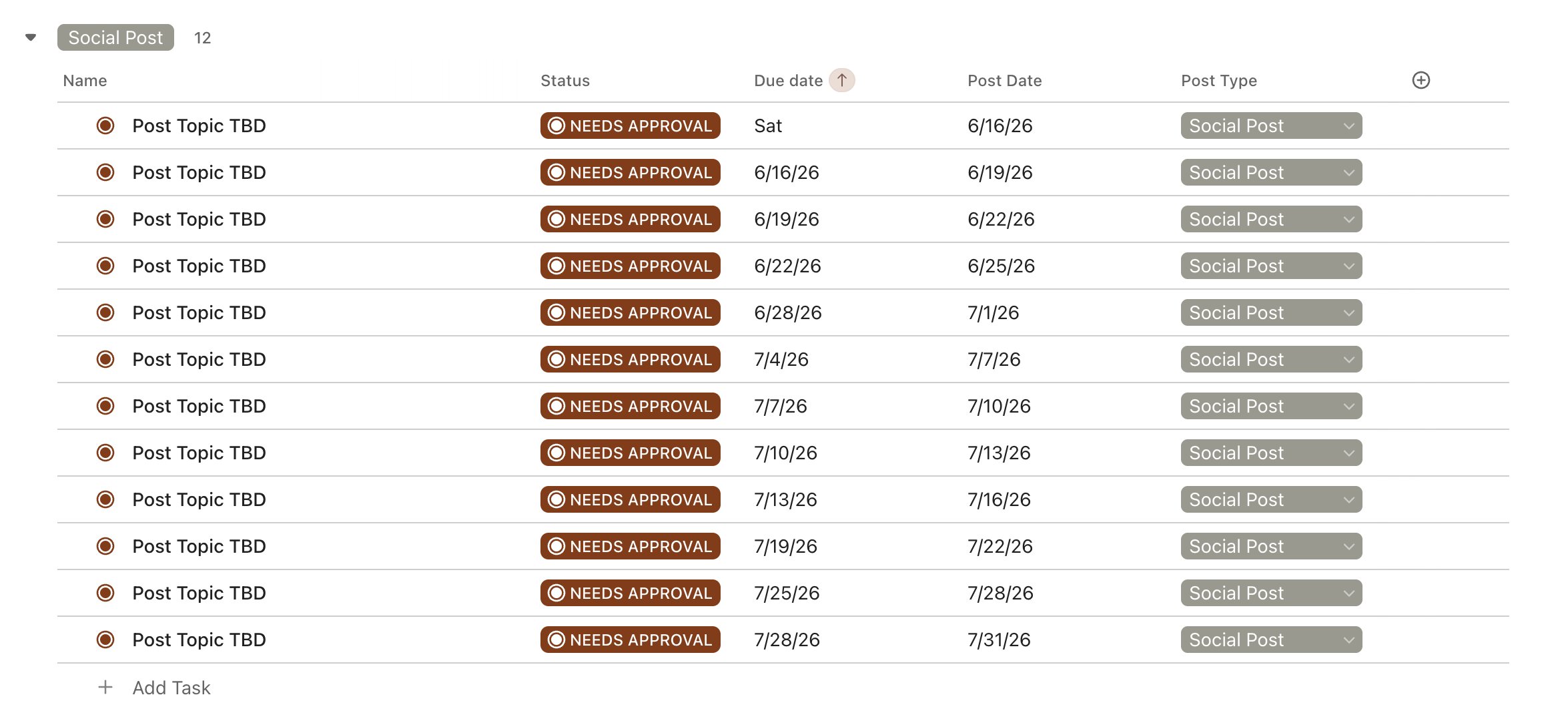
You've got real work to do. Not an hour of clicking through ClickUp to recreate the same structure you built last month — and the month before that. Set your schedule once, pick your list, and let it run.
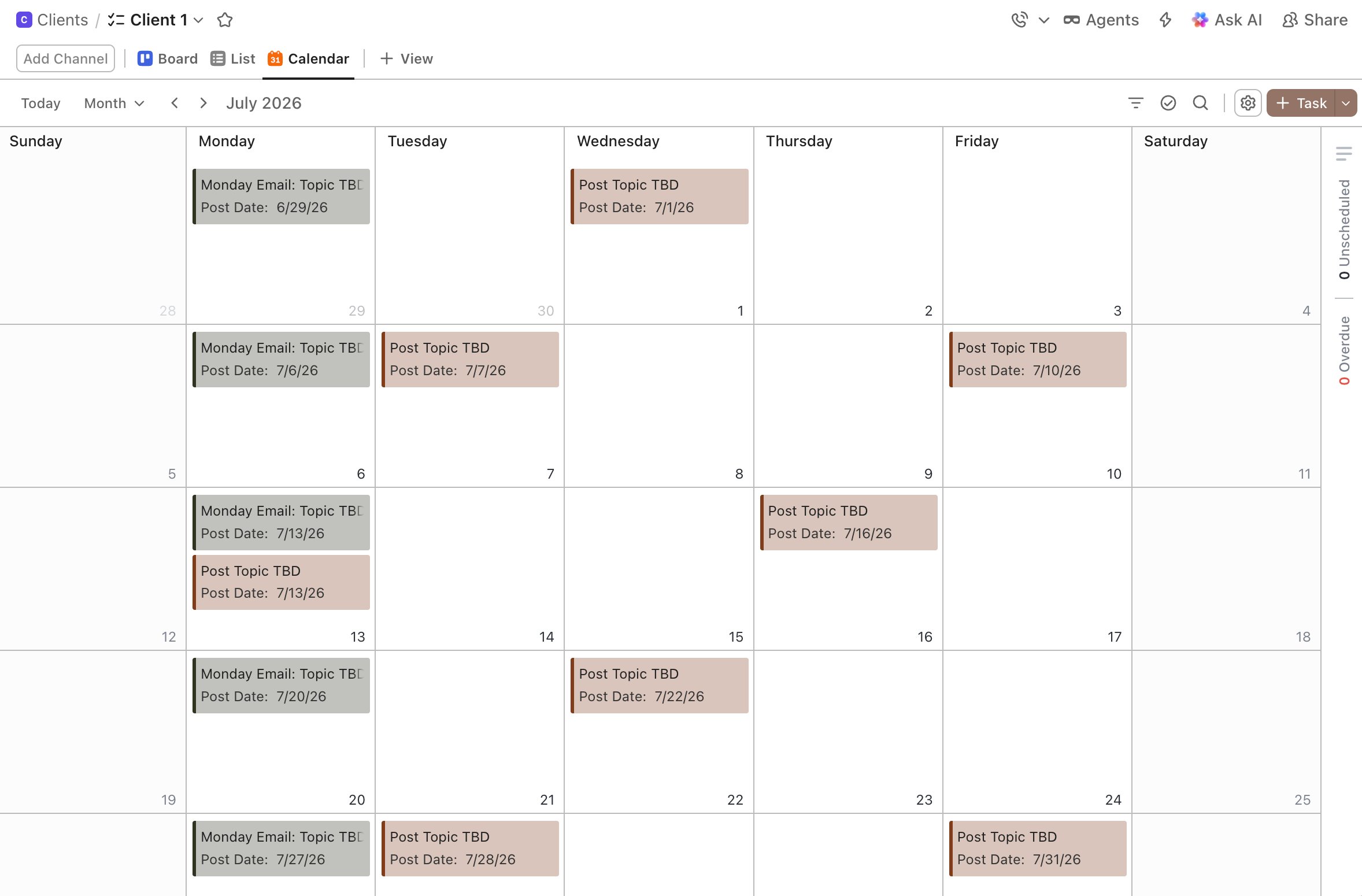
If you use ClickUp for recurring work, you know what the start of a new month looks like. A blank list. The same tasks to rebuild — same names, same spacing, same custom fields — before you've touched a single deliverable.
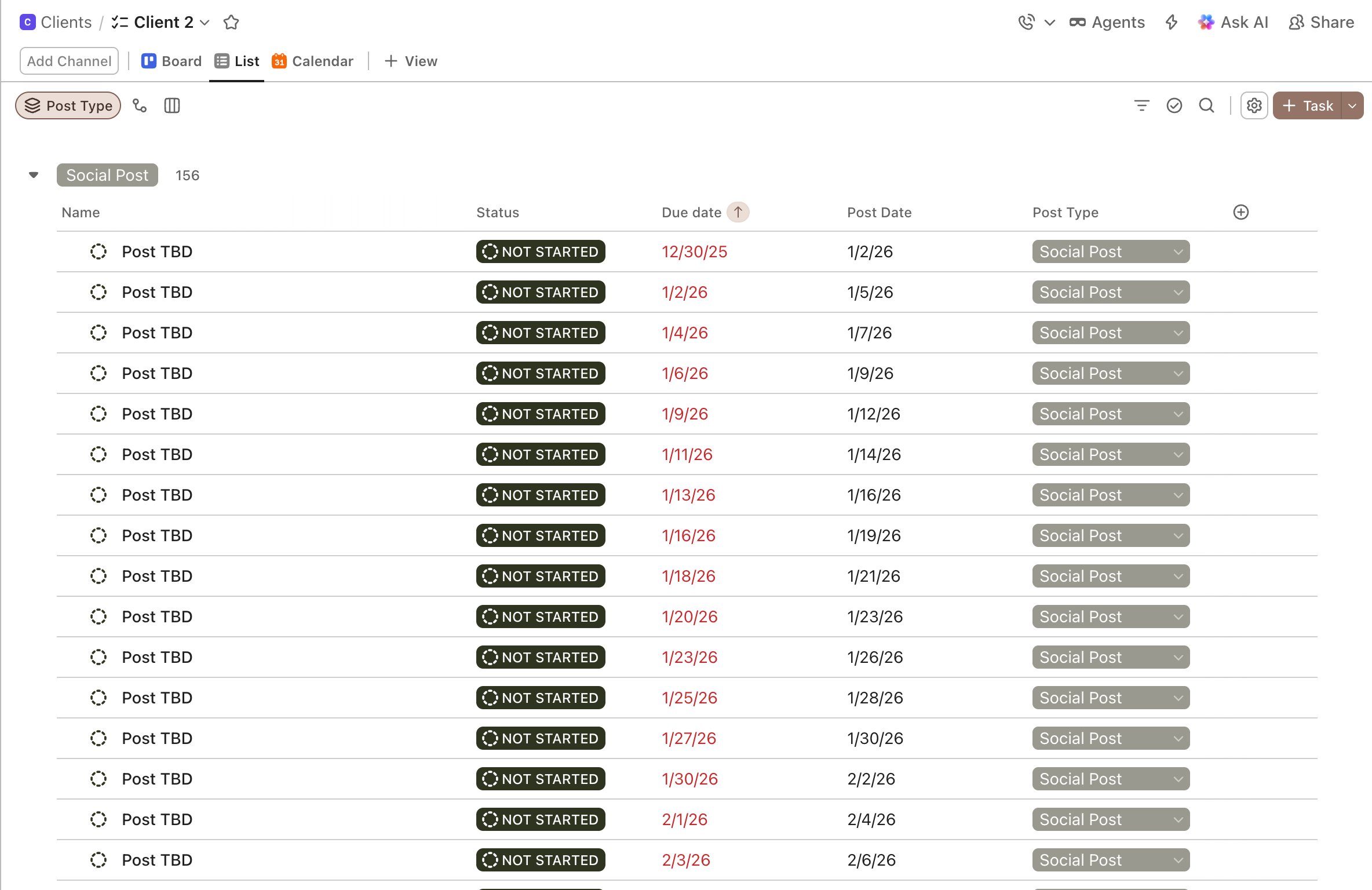
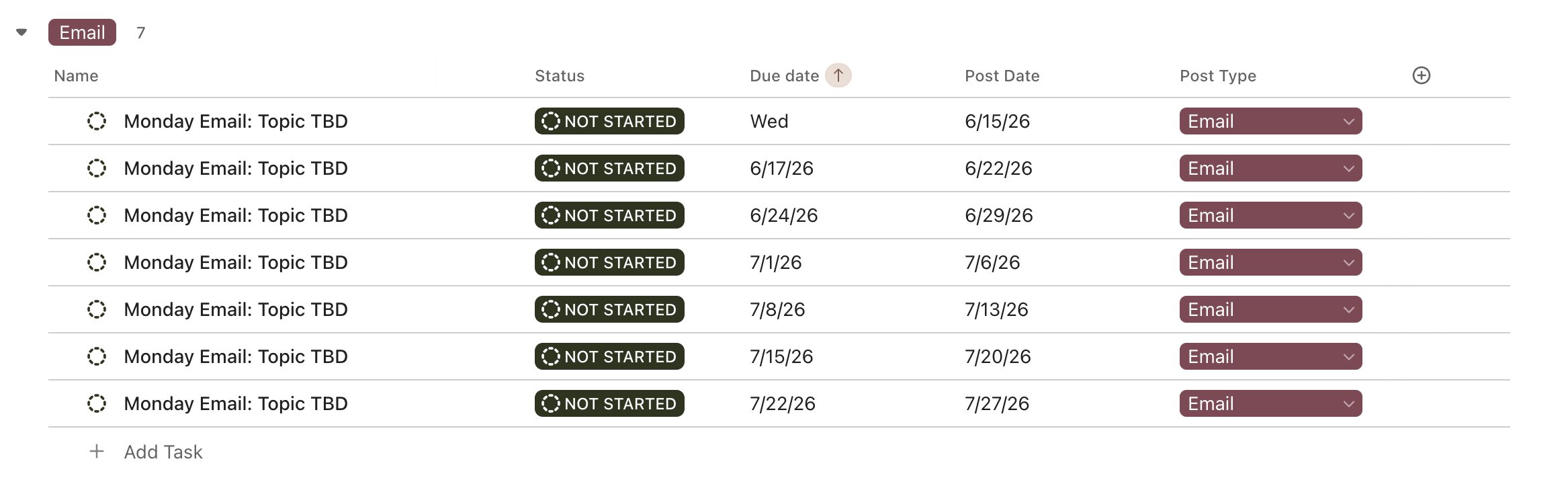
ClickUp can repeat one task after it closes. It can't create 13 of them at once, already named, already spaced out, ready to go. That's what this does.
You've been doing it manually because there wasn't a better option. Now there is.
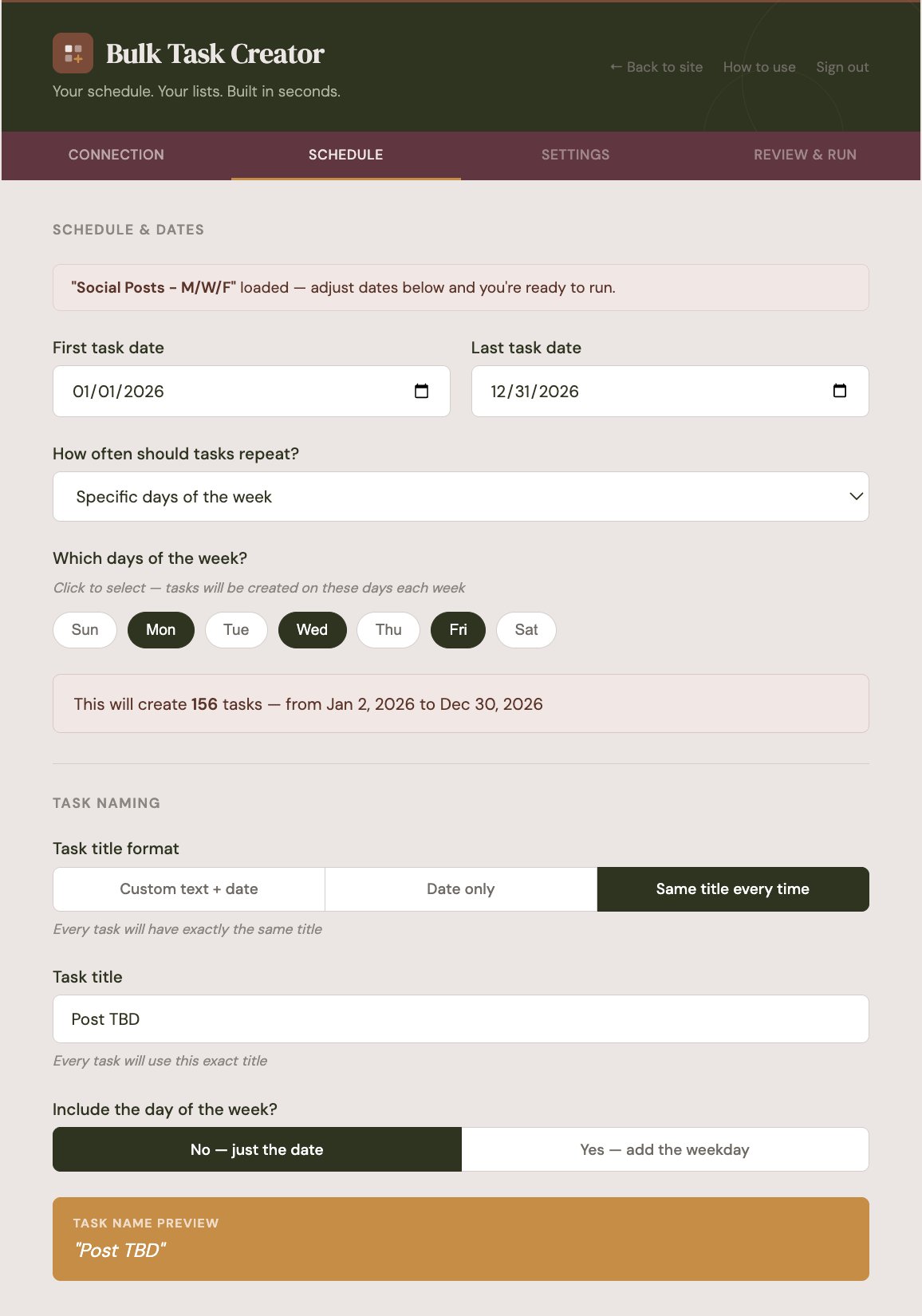
Tell it your pattern — M/W/F, every 3 days, Tuesdays only — and give it a name. "Client Instagram" or "My YouTube" or whatever makes sense. Save as many as you want and load them anytime.
Browse your workspace like you normally would and click the list you want. Your actual statuses, team members, and custom fields pull in automatically. Nothing to look up.
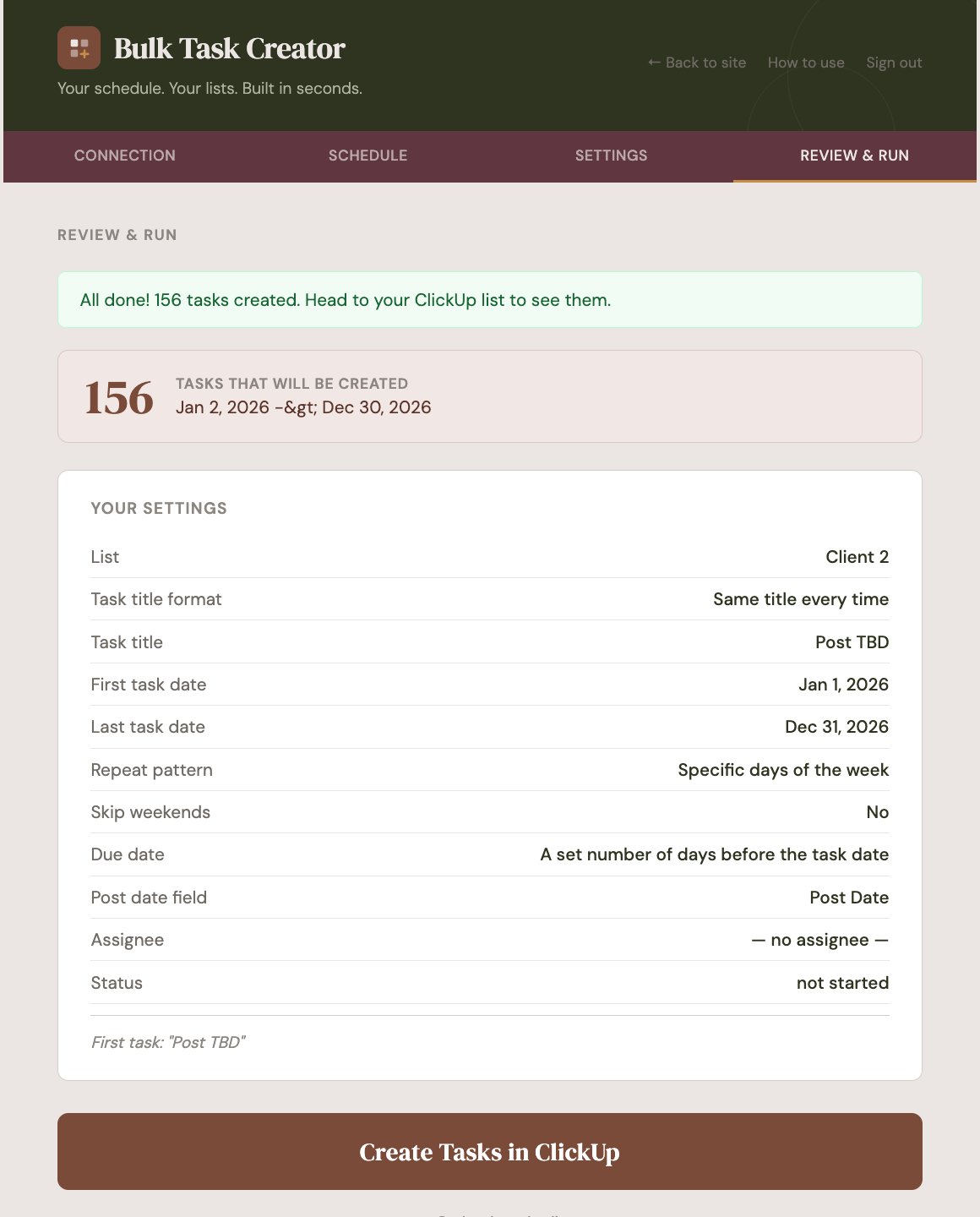
Pick your start and end date, check the preview so you know exactly what's getting created, and click run. Done. Go make your content.
Save your patterns — M/W/F, every 3 days, weekly — and load them any time. One click to fill next month.
Every day, every X days, every X weeks, or specific days. Weekend skipping built in.
Click through your spaces and lists to find the right one. No copying List IDs from URLs.
Your list's custom fields appear automatically. Set a post date, content type, or any other field on every task.
Your real ClickUp statuses and team members load automatically. Just pick from a dropdown.
See exactly what your tasks will be named before you run. No surprises in your ClickUp list.
Not setting up the tasks. Get Bulk Task Creator and get that hour back.
Get Bulk Task Creator — $27